- calendar_today August 22, 2025
Let’s face it: when you hear “AI features coming to Windows,” you most likely picture cumbersome helpers or overly pretentious tools. However, Microsoft’s most recent AI strategy in Windows 11 is quiet and unobtrusive.
Rather, it is subtly increasing the processing speed of some of your computer’s most popular programs, such as Snipping Tool, Photos, and yes, even Microsoft Paint. You don’t need to install these new apps. They are simply more intelligent iterations of your current tools. And that’s what makes all the difference.
The Snipping Tool Turns Out to Be Quite Helpful
One of those apps that you probably never consider is the Snipping Tool. It only needs to be opened when you need a quick screenshot. However, the latest update is going to make it one of the most intelligent desktop tools.
The Snipping Tool from Microsoft will now support optical character recognition (OCR). This implies that you can now choose and copy text directly from an image if you take a screenshot of a block of text.
Do you need a quote from a website? Make a copy. Do you want to extract text from a PDF that isn’t highlighted? Completed. Although it’s not a particularly impressive AI trick, it may be among the most practical.
AI Improvements for Paint and Photos
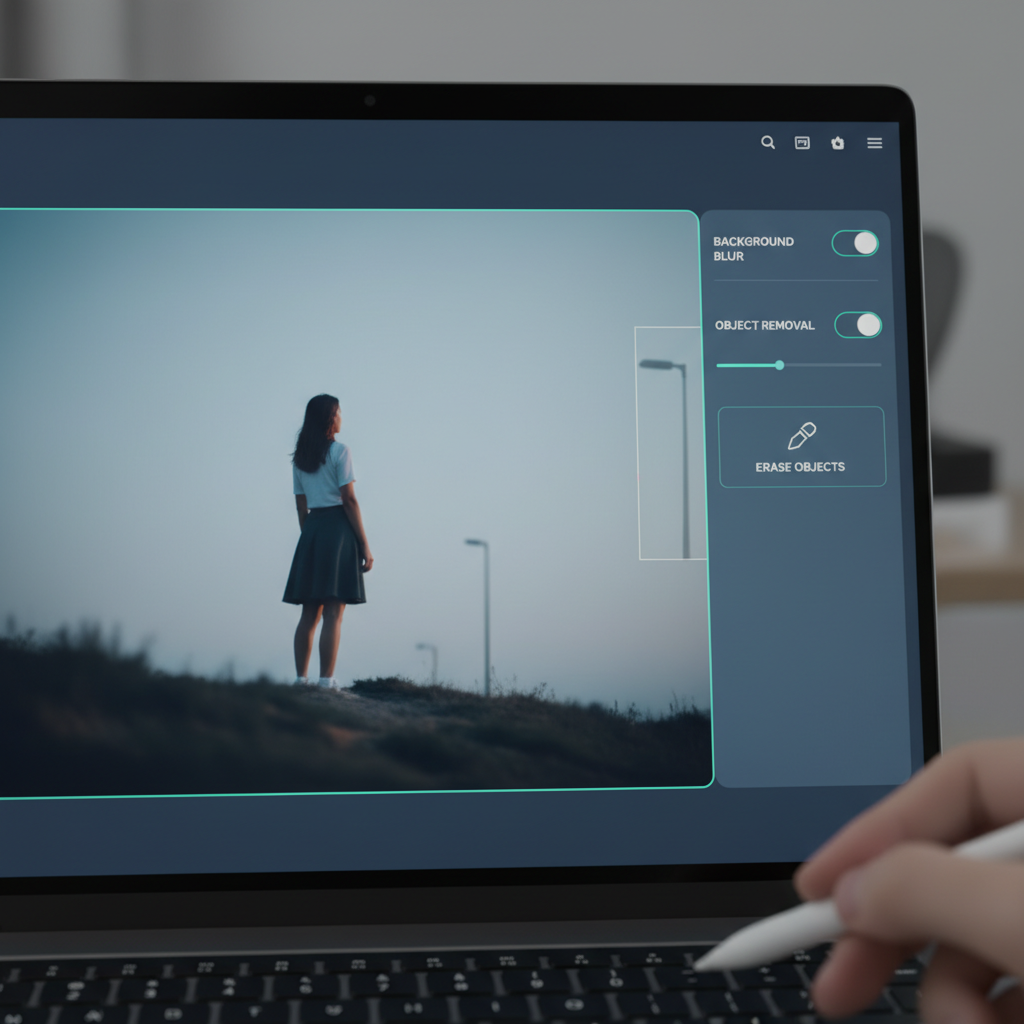
Microsoft is adding tools to the Photos app that will enable it to recognize objects, people, and pets. With the help of these new features, you won’t need to open Photoshop to blur photo backgrounds, isolate subjects, or even remove unwanted objects from your image.
Paint comes next. Everyone believed it to be dead. It wasn’t. All it needed was a glow-up.
AI-powered text-to-image generation is being applied to paint. Paint will create an image based on your typed sentence, such as “a dragon made of fire flying over a mountain range.” The DALL·E system from OpenAI, which Microsoft already uses in Bing’s Image Creator, is probably the brains behind this.
It’s not just the technology that’s magical here. It’s in how well it integrates with the app. Paint has a new creative engine under the hood, but it still feels like Paint—familiar, simple, and enjoyable.
No Internet? No issue. Everything Is Local
Thanks to advancements in PC hardware, all of these new features operate locally.
Microsoft is depending on NPUs (Neural Processing Units), which are specialized chips designed to manage workloads related to artificial intelligence. Modern Windows devices will be more than capable of handling these tools without requiring a cloud connection, as they are already being incorporated into new AMD and Intel processors.
Because local AI processing is quicker and more private, this is significant. An internet connection is not required. Your device retains your photos. Additionally, you maintain control over your data while getting faster, more seamless results.
AI has long been about making bold claims. However, Microsoft is demonstrating that smart technology doesn’t always have to be obvious. All it needs to do is move out of the way and improve the tools you use on a daily basis.